AST09 — No Governance
Severity: Medium
Platforms Affected: All
Description
Organizations deploying AI agents lack the inventories, policies, review processes, and audit trails needed to manage skills at enterprise scale. Skills are installed by individual developers with no SOC visibility, no approval workflow, and no revocation mechanism — creating a “shadow AI” layer that security teams cannot see or control.
Why It’s Unique to Skills
Traditional software asset management (SAM) tools have no concept of agent skills. Skill installation is typically a one-line command (openclaw skill install <name>) with no enterprise logging hook, no CMDB entry, and no connection to identity and access management (IAM). The result is that skills represent a large and growing blind spot in enterprise security posture.
Real-World Evidence
- Bitdefender (Feb 2026): employees deploying OpenClaw on corporate devices using single-line install commands with no security review and no SOC visibility. Over 53,000 exposed instances correlated with prior breach activity.
- Cisco State of AI Security 2026: only 34% of enterprises have AI-specific security controls in place; fewer than 40% conduct regular security testing on AI models or agent workflows.
- Meta AI researcher Summer Yue’s public incident: agent deleted large volumes of email before being manually killed — no governance mechanism existed to prevent or detect the unauthorized action.
- NIST / CAISI Federal Register RFI (Jan 2026): formal US government acknowledgment that AI agent security governance is an unsolved enterprise problem.
Attack Scenarios
Undetected Compromise
Malicious skill installed by one developer affects the entire shared agent workspace; no alert fires because no inventory exists.
Orphaned Skill
Developer leaves the organization; skill they installed remains active with their credentials — no deprovisioning process.
Regulatory Exposure
Regulated data (PII, PHI) processed by an unreviewed skill; no audit trail for compliance reporting.
Cascading Agent Compromise
Multi-agent pipeline means a compromised upstream skill propagates malicious instructions downstream without any human checkpoint.
Preventive Mitigations
- Establish a centralized skill inventory: name, version, hash, install date, installer identity, last scan status.
- Implement an approval workflow for all skill installations in enterprise environments — treat skills as software requiring security review.
- Apply agentic identity controls: assign non-human identities (NHIs) to agents with scoped credentials; rotate on schedule.
- Enable comprehensive audit logging for all skill actions: file access, network calls, shell commands, memory writes.
- Integrate skill governance into existing CMDB, ITSM, and CASB tooling.
- Establish a formal skill revocation process tied to offboarding and incident response playbooks.
OWASP Mapping
- LLM09 (Misinformation / Excessive Agency)
- SAMM v3 (Operational Enablement)
- NIST AI RMF (GOVERN function)
MAESTRO Framework Mapping
| MAESTRO Layer | Layer Name | AST09 Mapping |
|---|---|---|
| Layer 6 | Security & Compliance | governance, audit, policy management |
| Layer 7 | Agent Ecosystem | registry and marketplace governance gaps |
| Layer 5 | Evaluation & Observability | missing telemetry and SOC visibility |
MAESTRO Layer Details
- Layer 6: Security & Compliance - enterprise skill policy, approval workflows, audit logs.
- Layer 7: Agent Ecosystem - marketplace and registry controls for governance.
- Layer 5: Evaluation & Observability - detection visibility and incident monitoring.
Cross-References
- AST01 (Malicious Skills): Governance gaps allow malicious skills to be deployed without oversight.
- AST02 (Supply Chain Compromise): Lack of governance enables supply chain attacks.
- AST03 (Over-Privileged Skills): No review processes allow excessive permissions.
- AST06 (Weak Isolation): Governance failures lead to shadow deployments.
- AST07 (Update Drift): Lack of governance allows uncontrolled updates.
References
- Snyk ToxicSkills
- Cisco State of AI Security 2026
- Bitdefender: Enterprise telemetry on shadow AI / OpenClaw deployment
- NIST AI Risk Management Framework
Execution Receipts: Implementation Guidance
Audit logging (Mitigation 4) requires tamper-evident records to be compliance-grade. A log an operator controls can be edited after the fact; a receipt a verifier can independently check cannot.
Bilateral Receipt Pattern
Every skill execution produces two records, linked by a content-derived identifier:
Admission receipt — produced before execution:
attempt_id: shared identifier across both recordsagent_id: identity of the executing agentaction_type: the skill or tool being invokedscope: resource boundary (e.g.,file:read,email:send)policy_version: the governance policy in effect at decision timedecision:ALLOW,DENY, orESCALATEtimestamp_ms: epoch milliseconds (integer)
Outcome receipt — produced after execution:
attempt_id: same as admission receiptaction_ref: content-derived join key, independently recomputableterminal_state:COMMITTEDorFAILEDsignature: over the canonical field set
Key Properties
Denied-before-dispatch carries equal audit weight: a DENY decision with no execution should produce an admission receipt. Absence of an outcome receipt for a given attempt_id proves the action was blocked.
attempt_id is mandatory in both records: without it, an auditor cannot confirm the admitted action and the executed action were the same.
policy_version must be bound at decision time: a policy change between admission and execution creates an audit gap if the version is not recorded with the decision.
EU AI Act Article 12 Relevance
Article 12 (enforcement August 2, 2026) requires high-risk AI systems to maintain logs enabling post-hoc verification of system operation. Bilateral receipts with independent verifiability satisfy this requirement in a way that operator-controlled logs do not: a regulator or auditor can verify the receipt without access to the operator’s infrastructure.
Last updated: June 2026
Example
Put whatever you like here: news, screenshots, features, supporters, or remove this file and don’t use tabs at all.
Leadership & Founding Members
Project Leadership
Current Leaders

Ken Huang



Hammad Atta

Fabio Cerullo

Aonan Guan

Bhavya Gupta

Niv Hoffman

Iftach Orr

Akram Sheriff
AIVSS Distinguished Review Board
The OWASP AIVSS project’s Distinguished Review Board comprises world-renowned cybersecurity leaders, former government officials, and industry pioneers who provide strategic guidance and expert oversight for the AI Vulnerability Scoring System framework. We thank them for their guidance, several of whom have also supported this project’s work.
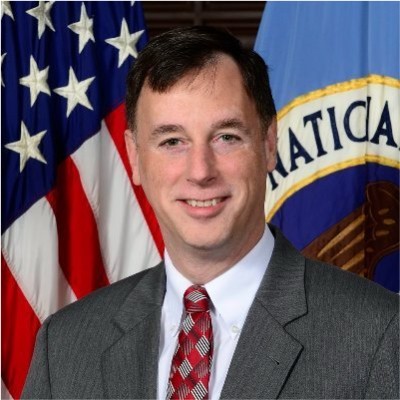
Rob Joyce
Advisor to PwC and OpenAI, Former Special Assistant to the President and Cybersecurity Coordinator

Jason Clinton
Deputy CISO, Anthropic

Amy R. Steagall
Chief Information Security Officer, Stanford University
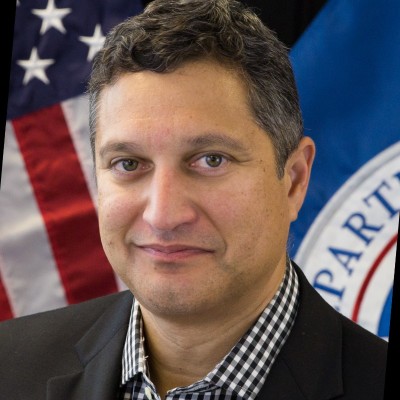
Martin Stanley
AI Risk Management Framework Lead, NIST
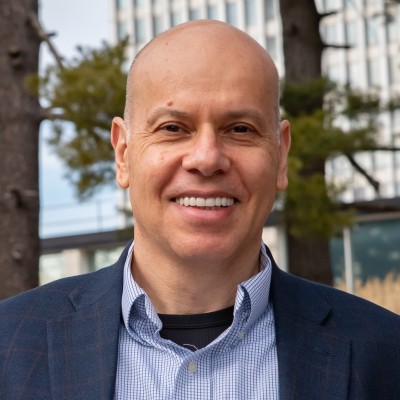
Apostol Vassilev
Research Supervisor, NIST

Andrew Coyne
CISO, Banner Health, Former CISO, Mayo Clinic

Kevin Rocque
Managing Director/Executive Vice President, Global Technology Risk Officer, TD Bank

Jeff Williams
Former Global OWASP Chair, Founder and CTO, Contrast Security

Michael Tran Duff
University Chief Information Security and Data Privacy Officer, Harvard University

Emil Bender Lassen
Standards Lead, AIUC-1
Agentic Skills Top 10 Founding Members
Founding members of the OWASP Agentic Skills Top 10 project itself — project leads, co-leads, and additional contributors — listed alphabetically. Several also contribute to the sibling OWASP AIVSS project listed above.
Ken Huang
Project Lead, Agentic Skills Top 10
Hammad Atta
Co-Lead, Agentic Skills Top 10

Manish Bhatt
Security Researcher, AWS
Fabio Cerullo
Co-Lead, Agentic Skills Top 10

David Girard
Senior Director, AI Security & AI Alliances, Trend Micro
Aonan Guan
Co-Lead, Agentic Skills Top 10
Bhavya Gupta
Co-Lead, Agentic Skills Top 10

Pamela Gupta
Founder & CEO, OutSecure / Trusted AI

Idan Habler
Staff AI/ML Security Researcher, Intuit
Niv Hoffman
CTO, Air Security

Charles Iheagwara
AI/ML Security Leader, AstraZeneca

Sushmitha Janapareddy
Director - Security Integrations, American Express

Edward Lee
Vice President, Lead AI Security, JP Morgan

KJ Lian
Senior Manager, Data & AI (Public Sector), AWS
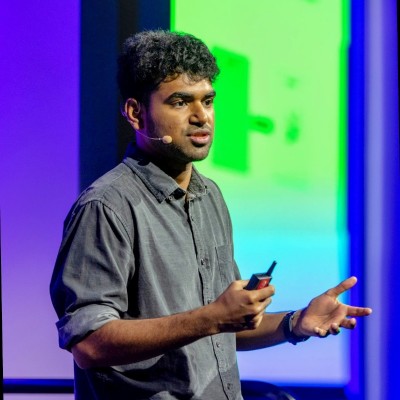
Vineeth Sai Narajala
Application Security, AWS
Iftach Orr
Co-Lead, Agentic Skills Top 10

Kanna Sekar
Cyber Security, Google
Akram Sheriff
Co-Lead, Agentic Skills Top 10

Dennis Xu
Research VP, AI, Gartner
OWASP AIVSS Founding Members
The OWASP AIVSS (Agentic AI Vulnerability Scoring System) project is a sibling OWASP initiative focused on scoring the severity of agentic AI vulnerabilities. Its founding members are recognized here as OWASP founding members in the agentic AI security space; many of them have also contributed directly to the Agentic Skills Top 10 project’s research and review process.

Sunil Agrawal
Chief Information Security Officer, Glean

David Ames
Partner, PwC

Michael Bargury
Founder and CTO, Zenity

Joshua Beck
Application Security Architect, SAS
Manish Bhatt
Security Researcher, Amazon Kuiper Security

Mark Breitenbach
Security Engineer, Dropbox

Anat Bremler-Barr
Professor of Computer Science, Tel Aviv University

Siah Burke
HIPAA Security Officer, Siah.ai

David Campbell
AI Security, Scale AI

Ying-Jung Chen
AI safety researcher, PhD, Georgia Institute of Technology

Anton Chuvakin
Security Solution Strategy, Google

Jason Clinton
CISO, Anthorphic

Adam Dawson
Staff AI Security Researcher, Dreadnode

Leon Derczynski
Principal Research Scientist, NVIDIA

Walker Lee Dimon
AI Security Researcher, MITRE

Marissa Dotter
AI Security Researcher, MITRE

Dan Goldberg
ISO Market Lead, Omnicom

David Haber
CEO, Lakera
Idan Habler
Staff AI/ML Security Researcher, Intuit

Jason Haddix
Founder, Arcanum Information Security

Keith Hoodlet
Director of AI/ML & AppSec, Trail of Bits

Ken Huang
AIVSS Project Lead, OWASP

Chris Hughes
CEO, Aquia
Charles Iheagwara
AI/ML Security Leader, AstraZeneca

Krystal Jackson
Researcher, Center for Long-Term Cybersecurity, UC Berkeley
Sushmitha Janapareddy
Director - Security Integrations, American Express
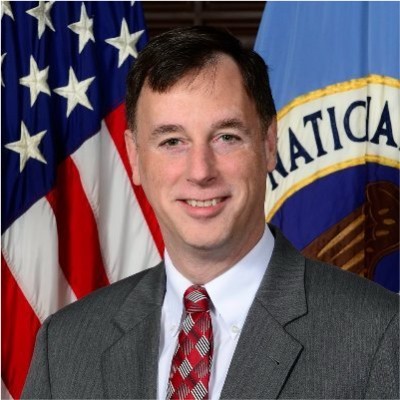
Rob Joyce
Former Cybersecurity Director of NSA, Advisor to PwC, PwC

Diana Kelley
CISO, Noma Security

Prashant Kulkarni
Lead AI Security Research Engineer, Google Cloud

Mahesh Lambe
Founder, MIT, Unify Dynamics
Edward Lee
Vice President, Lead AI Security, JP Morgan

Nate Lee
CEO, Cloudsec.ai

Vishwas Manral
CEO, Precize.ai

Daniela Muhaj
Executive-in-Residence for Research & Development, AI 2030
Vineeth Sai Narajala
Application Security, AWS

Om Narayan
AI Security Researcher, AWS

Varun Pant
Engineering and Product Leader, AI applications at the Automated Reasoning Group, AWS

Advait Patel
Senior Site Reliability Engineer (DevSecOps + Cloud + AIOps), Broadcom, IEEE

Alex Polyakov
CEO, adversa.ai

Ramesh Raskar
Professor & Director, MIT Media Lab

Ron F. Del Rosario
VP-Head of AI Security, SAP

Tal Shapira
Co-Founder & CTO, Reco AI

Akram Sheriff
Senior AI/ML Software Engineering Leader, Cisco

Samantha Siau
Security and Compliance, Anthropic

Kevin Simmonds
Partner on AI Offensive Security, PWC
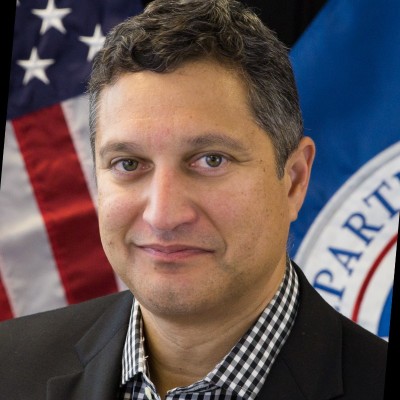
Martin Stanley
NIST AI RMF Lead, Independent

Omar A. Turner
General Manager of Security, Microsoft
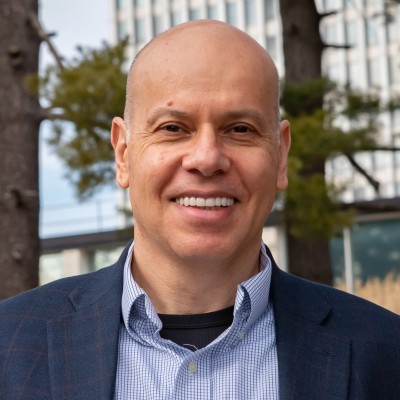
Apostol Vassilev
AI Research Team Supervisor, NIST

Matthew Versaggi
AI Fellow, White House Presidential Innovation Fellow
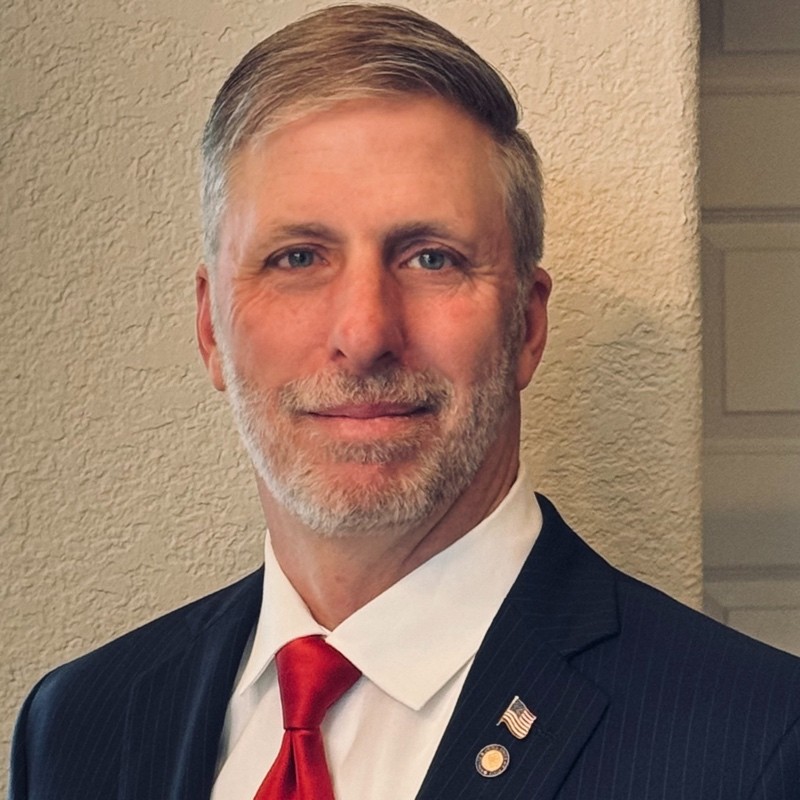
David Webb
Agency Cybersecurity Officer, Cybersecurity and Infrastructure Security Agency
Dennis Xu
Research VP, AI, Gartner

Xiaochen Zhang
Executive Director and Chief Responsible AI Officer, AI 2030
Recognition
We extend our gratitude to all founding members who have contributed to establishing this crucial framework for AI security assessment. Their vision and dedication have been instrumental in shaping the Agentic Skills Top 10 project.
Get Involved
Interested in contributing to the Agentic Skills Top 10 project? We welcome new contributors and leaders. Please see our Contribution Guidelines for more information on how to get involved.