Skill Scanner Integration
Skill Scanner Integration
This guide provides instructions for integrating automated security scanning into AI agent skill development and deployment pipelines.
Overview
Automated skill scanning is essential for detecting security vulnerabilities before skills are published or installed. This page covers integration approaches for different platforms and development workflows.
Supported Scanning Tools
NVIDIA SkillSpector (open source, recommended)
SkillSpector (Apache-2.0) is an agent-skill-aware security scanner. It runs fast static checks plus optional LLM semantic analysis and returns a 0–100 risk score with severity labels. It accepts Git repos, URLs, zip files, directories, or single files, and emits terminal, JSON, Markdown, or SARIF reports.
# Install (Python 3.12+)
git clone https://github.com/NVIDIA/SkillSpector && cd SkillSpector
make install

# Static-only scan of a local skill (no API key required)
skillspector scan ./my-skill/ --no-llm

# Full scan with optional LLM semantic analysis
export SKILLSPECTOR_PROVIDER=anthropic
export ANTHROPIC_API_KEY=sk-ant-...
skillspector scan https://github.com/user/my-skill

# Emit SARIF for CI / code scanning
skillspector scan ./my-skill/ --no-llm --format sarif --output skillspector.sarif
Run it without installing Python via the project’s Dockerfile:
docker run --rm -v "$PWD:/scan" skillspector scan ./my-skill/ --no-llm
GitHub Actions — SkillSpector gate with code-scanning upload
name: Skill Security Scan
on:
  pull_request:
    paths: ['skills/**']

permissions:
  contents: read
  security-events: write   # required to upload SARIF

jobs:
  skillspector:
    runs-on: ubuntu-latest
    steps:
      - uses: actions/checkout@v4
      - uses: actions/setup-python@v5
        with: { python-version: '3.12' }
      - run: pip install git+https://github.com/NVIDIA/SkillSpector
      - name: Scan skills
        run: skillspector scan ./skills --no-llm --format sarif --output skillspector.sarif
      - name: Upload to code scanning
        uses: github/codeql-action/upload-sarif@v3
        with:
          sarif_file: skillspector.sarif
Because SkillSpector emits SARIF v2.1.0, findings surface in the GitHub Security → Code scanning tab and can gate merges; the 0–100 risk score is a natural threshold for an approval workflow (see AST09). It maps to AST01, AST02, AST03, AST04, AST08, AST09, and AST10 — see solutions.md for the full coverage breakdown.
OWASP AST10 Scanner Status
An OWASP-maintained @owasp/ast10-scanner package is not currently published.
Until one exists, use the open-source scanners listed above and map their
findings to the AST01-AST10 taxonomy in reports and CI output.
Platform-Specific Scanners
OpenClaw Scanner
# ClawHub CLI scanning
claw scan skill.md --registry clawhub

# Local development scanning
claw scan --local skill.md --sandbox
Claude Code Scanner
# Claude skill validation
claude skill validate skill.json --security

# Pre-deployment scanning
claude skill scan skill.json --comprehensive
Cursor Scanner
# Cursor extension scanning
cursor scan manifest.json --security

# Development-time scanning
cursor scan --watch manifest.json
VS Code Scanner
# VS Code extension validation
vsce validate extension.vsix --security

# Pre-publish scanning
vsce package --scan-security
Integration Approaches
CI/CD Pipeline Integration
GitHub Actions Example
name: Security Scan
on:
  push:
    paths:
      - 'skills/**'
  pull_request:
    paths:
      - 'skills/**'

jobs:
  security-scan:
    runs-on: ubuntu-latest
    steps:
      - uses: actions/checkout@v4

      - name: Setup Python
        uses: actions/setup-python@v5
        with:
          python-version: '3.12'

      - name: Install SkillSpector
        run: pip install git+https://github.com/NVIDIA/SkillSpector

      - name: Scan Skills
        run: skillspector scan ./skills --no-llm --format sarif --output skillspector.sarif

      - name: Upload Report
        uses: actions/upload-artifact@v4
        with:
          name: security-report
          path: skillspector.sarif
GitLab CI Example
stages:
  - security

security_scan:
  stage: security
  image: python:3.12
  before_script:
    - pip install git+https://github.com/NVIDIA/SkillSpector
  script:
    - skillspector scan ./skills --no-llm --format sarif --output gl-sast-report.json
  artifacts:
    reports:
      sast: gl-sast-report.json
  only:
    - merge_requests
Pre-commit Hooks
Local Development Setup
# Install pre-commit
pip install pre-commit

# Create .pre-commit-config.yaml
repos:
  - repo: local
    hooks:
      - id: skillspector-scan
        name: SkillSpector scan
        entry: skillspector scan . --no-llm
        language: system
        files: \.(md|json|yaml)$
Registry Integration
Automated Registry Scanning
// Registry webhook integration
const express = require('express');
const { exec } = require('child_process');

const app = express();
app.use(express.json());

app.post('/webhook/skill-published', async (req, res) => {
  const { skillId, skillUrl } = req.body;

  try {
    // Download skill
    await downloadSkill(skillUrl, `/tmp/${skillId}`);

    // Run security scan
    exec(`ast10-scan /tmp/${skillId} --output /tmp/${skillId}-report.json`, (error, stdout, stderr) => {
      if (error) {
        console.error(`Scan failed: ${error}`);
        // Reject skill or flag for review
        rejectSkill(skillId, 'Security scan failed');
        return;
      }

      // Check results
      const report = JSON.parse(fs.readFileSync(`/tmp/${skillId}-report.json`));
      if (report.vulnerabilities.some(v => v.severity === 'critical')) {
        rejectSkill(skillId, 'Critical vulnerabilities detected');
      } else {
        approveSkill(skillId);
      }
    });

    res.status(200).send('Scan initiated');
  } catch (error) {
    res.status(500).send('Scan failed');
  }
});

app.listen(3000);
Custom Scanner Development
Basic Scanner Template
import yaml
import json
import re
from typing import List, Dict

class SkillScanner:
    def __init__(self):
        self.vulnerabilities = []

    def scan_skill(self, skill_path: str) -> List[Dict]:
        """Scan a skill file for vulnerabilities"""
        self.vulnerabilities = []

        # Load skill content
        with open(skill_path, 'r') as f:
            if skill_path.endswith('.md'):
                content = f.read()
                self.scan_markdown(content)
            elif skill_path.endswith('.json'):
                data = json.load(f)
                self.scan_json(data)
            elif skill_path.endswith('.yaml') or skill_path.endswith('.yml'):
                data = yaml.safe_load(f)
                self.scan_yaml(data)

        return self.vulnerabilities

    def scan_markdown(self, content: str):
        """Scan markdown skill files"""
        # AST01: Malicious instructions
        if re.search(r'rm -rf|format|del /f', content, re.IGNORECASE):
            self.add_vulnerability('AST01', 'high', 'Potentially destructive commands detected')

        # AST03: Over-privileged
        if 'sudo' in content or 'admin' in content.lower():
            self.add_vulnerability('AST03', 'medium', 'Privilege escalation patterns detected')

        # AST04: Unsafe deserialization / code injection
        if 'eval(' in content or 'exec(' in content:
            self.add_vulnerability('AST04', 'high', 'Code injection vulnerabilities detected')

    def scan_json(self, data: Dict):
        """Scan JSON skill files"""
        # Check permissions
        if 'permissions' in data:
            perms = data['permissions']
            if isinstance(perms, list) and 'full_access' in perms:
                self.add_vulnerability('AST03', 'high', 'Excessive permissions requested')

    def scan_yaml(self, data: Dict):
        """Scan YAML skill files"""
        # Similar checks as JSON
        pass

    def add_vulnerability(self, ast_id: str, severity: str, description: str):
        """Add a vulnerability finding"""
        self.vulnerabilities.append({
            'id': ast_id,
            'severity': severity,
            'description': description,
            'timestamp': datetime.now().isoformat()
        })

# Usage
scanner = SkillScanner()
results = scanner.scan_skill('skill.md')
print(json.dumps(results, indent=2))
Scanner Output Formats
JSON Report Format
{
  "scan_metadata": {
    "scanner_version": "1.0.0",
    "scan_timestamp": "2026-03-22T10:00:00Z",
    "skill_path": "skill.md"
  },
  "vulnerabilities": [
    {
      "id": "AST01",
      "severity": "high",
      "description": "Malicious command patterns detected",
      "line_number": 15,
      "code_snippet": "rm -rf /",
      "recommendation": "Remove destructive commands"
    }
  ],
  "summary": {
    "total_vulnerabilities": 1,
    "critical": 0,
    "high": 1,
    "medium": 0,
    "low": 0
  }
}
SARIF Format (for CI/CD)
{
  "$schema": "https://raw.githubusercontent.com/oasis-tcs/sarif-spec/master/Schemata/sarif-schema-2.1.0.json",
  "version": "2.1.0",
  "runs": [
    {
      "tool": {
        "driver": {
          "name": "AST10 Scanner",
          "version": "1.0.0"
        }
      },
      "results": [
        {
          "ruleId": "AST01",
          "level": "error",
          "message": {
            "text": "Malicious skills detected"
          },
          "locations": [
            {
              "physicalLocation": {
                "artifactLocation": {
                  "uri": "skill.md"
                },
                "region": {
                  "startLine": 15
                }
              }
            }
          ]
        }
      ]
    }
  ]
}
Multi-Scanner Report Interoperability
No single scanner covers every AST10 risk: a drift detector flags that a skill’s capability surface changed, a static content scanner flags hostile patterns, and an agentic-threat-rule engine flags behavioral exploits. When several scanners run over the same skill, their findings should compose into one verdict without re-scanning or manual correlation.
The SARIF artifacts[] + hashes mechanism makes this deterministic. A scanner that emits a content digest for each scanned file lets a consumer (a registry, a PR bot, a dashboard) join findings from independent tools on that digest:
run.artifacts[]— one entry per scanned file, each carryinglocation.uriandhashes["sha-256"](bare lowercase 64-char hex of the file bytes). The SHA-256 is the join key: two reports describe the same artifact iff their digests match.result … physicalLocation.artifactLocation.index— every finding points intoartifacts[], so it resolves to the exact bytes it was raised against and self-invalidates when the file changes.result.properties.layer— a short string naming the class of scanner that produced the finding (e.g.drift,content,atr), so merged findings stay attributable. Consumers should treat an unknown layer as opaque rather than dropping the finding.run.tool.driver.name+version— provenance, so a merged report records which tool and version produced each layer.
A consumer merges N reports by grouping artifacts[] across runs on hashes["sha-256"], attaching each run’s results via artifactLocation.index, and partitioning by layer — no content re-hashing and no coordination between the tools.
{
  "runs": [
    {
      "tool": { "driver": { "name": "example-drift-scanner", "version": "1.2.0" } },
      "artifacts": [
        {
          "location": { "uri": "SKILL.md" },
          "hashes": { "sha-256": "64f9e18e...ec3395a" }
        }
      ],
      "results": [
        {
          "ruleId": "AST07",
          "level": "error",
          "message": { "text": "Capability surface changed: network egress added" },
          "locations": [
            { "physicalLocation": { "artifactLocation": { "uri": "SKILL.md", "index": 0 } } }
          ],
          "properties": { "layer": "drift" }
        }
      ]
    }
  ]
}
This pattern is descriptive about reporting, not prescriptive about detection — it says nothing about how a tool finds an issue, only how findings bind to the bytes they concern and the layer they belong to, which is the minimum needed for cross-tool composition.
Best Practices
Scanner Implementation
- False Positive Management: Implement confidence scoring
- Performance Optimization: Use efficient parsing and pattern matching
- Regular Updates: Keep vulnerability signatures current
- Comprehensive Coverage: Scan all skill formats and platforms
Integration Guidelines
- Non-blocking Scans: Don’t break development workflows
- Clear Reporting: Provide actionable remediation guidance
- Version Control: Track scanner versions and rule updates
- Community Contribution: Allow custom rule submissions
Security Considerations
- Safe Execution: Run scanners in isolated environments
- Data Protection: Handle skill content securely
- Access Control: Limit scanner access to necessary systems
- Audit Logging: Log all scan activities
Available Tools and Resources
- NVIDIA SkillSpector: GitHub Repository — open-source (Apache-2.0) agent-skill security scanner
- VS Code Security Linting: Marketplace
Contributing
To contribute new scanning rules or improve existing scanners:
- Fork the scanner repository you use
- Add your rule, detector, or report-mapping improvement
- Submit a pull request with test cases
- Ensure backward compatibility
Regular updates to scanning tools and integration guides. Last updated: March 2026
Example
Put whatever you like here: news, screenshots, features, supporters, or remove this file and don’t use tabs at all.
Leadership & Founding Members
Project Leadership
Current Leaders

Ken Huang



Hammad Atta

Fabio Cerullo
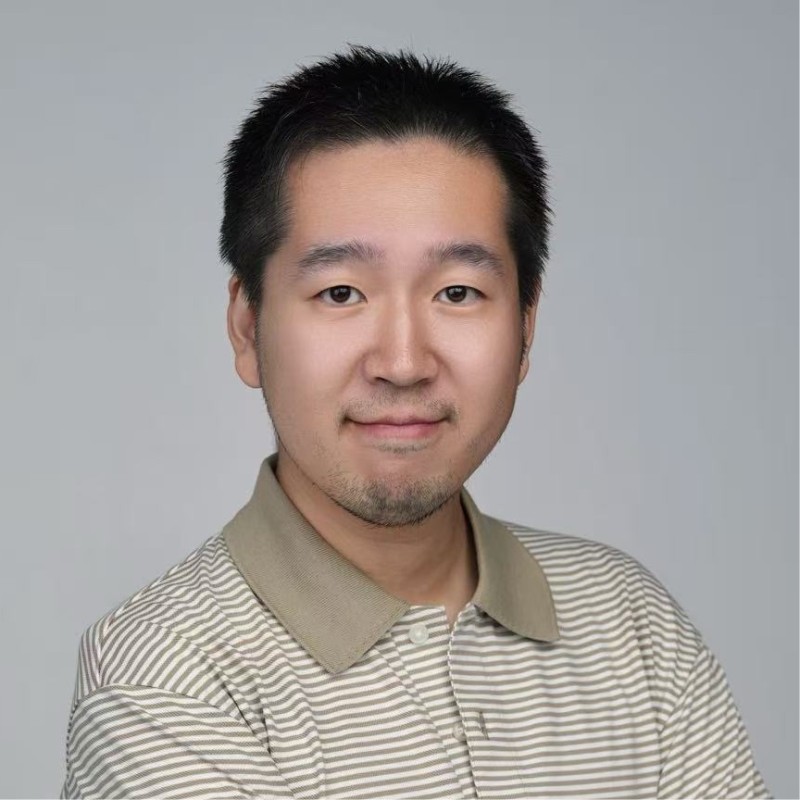
Aonan Guan

Bhavya Gupta

Niv Hoffman

Iftach Orr
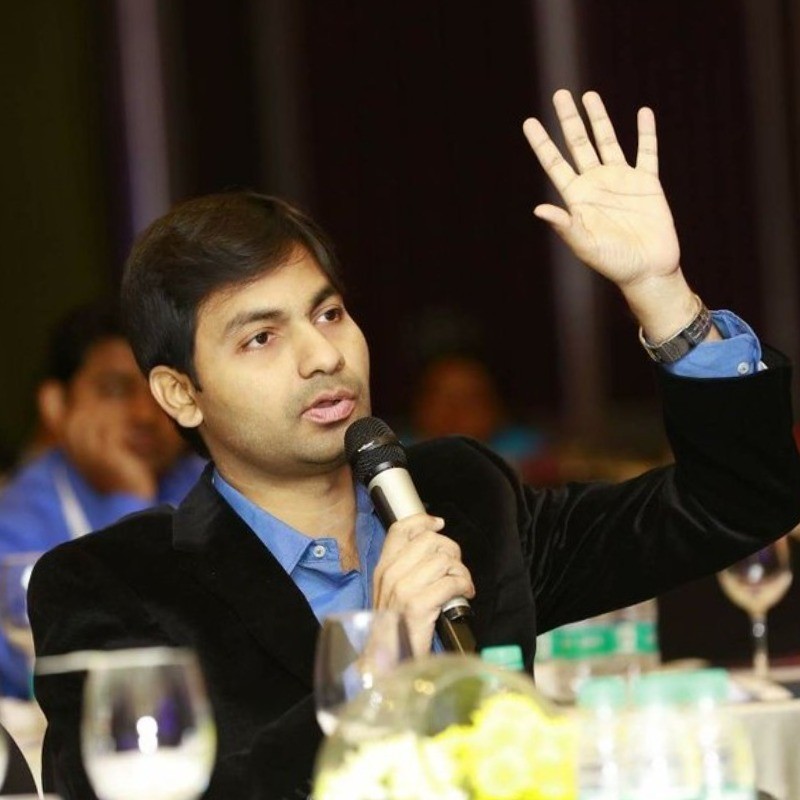
Akram Sheriff
AIVSS Distinguished Review Board
The OWASP AIVSS project’s Distinguished Review Board comprises world-renowned cybersecurity leaders, former government officials, and industry pioneers who provide strategic guidance and expert oversight for the AI Vulnerability Scoring System framework. We thank them for their guidance, several of whom have also supported this project’s work.
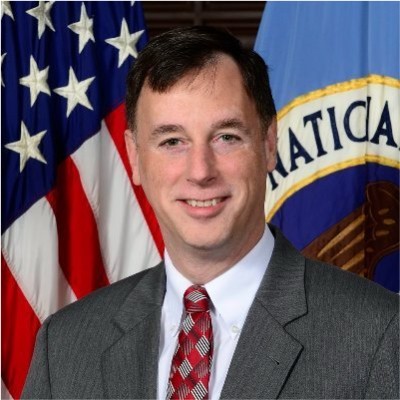
Rob Joyce
Advisor to PwC and OpenAI, Former Special Assistant to the President and Cybersecurity Coordinator

Jason Clinton
Deputy CISO, Anthropic

Amy R. Steagall
Chief Information Security Officer, Stanford University
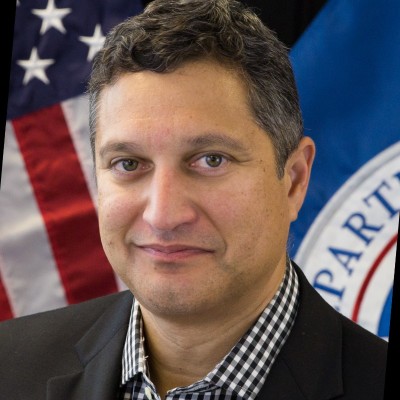
Martin Stanley
AI Risk Management Framework Lead, NIST
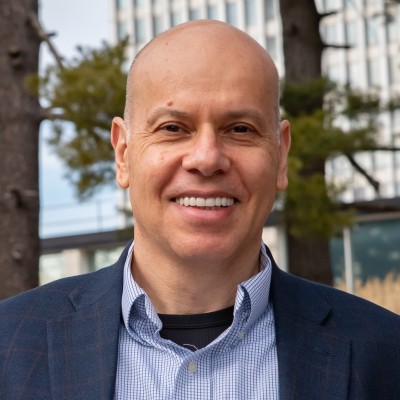
Apostol Vassilev
Research Supervisor, NIST

Andrew Coyne
CISO, Banner Health, Former CISO, Mayo Clinic

Kevin Rocque
Managing Director/Executive Vice President, Global Technology Risk Officer, TD Bank
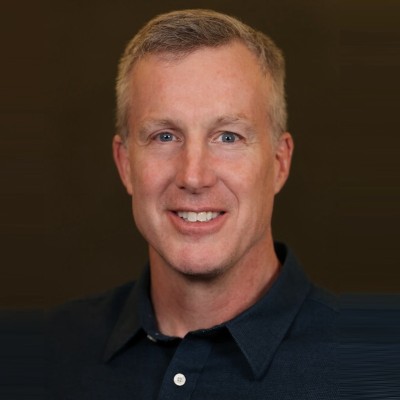
Jeff Williams
Former Global OWASP Chair, Founder and CTO, Contrast Security
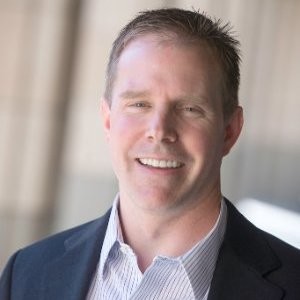
Michael Tran Duff
University Chief Information Security and Data Privacy Officer, Harvard University

Emil Bender Lassen
Standards Lead, AIUC-1
Agentic Skills Top 10 Founding Members
Founding members of the OWASP Agentic Skills Top 10 project itself — project leads, co-leads, and additional contributors — listed alphabetically. Several also contribute to the sibling OWASP AIVSS project listed above.
Ken Huang
Project Lead, Agentic Skills Top 10
Hammad Atta
Co-Lead, Agentic Skills Top 10

Manish Bhatt
Security Researcher, AWS
Fabio Cerullo
Co-Lead, Agentic Skills Top 10

David Girard
Senior Director, AI Security & AI Alliances, Trend Micro
Aonan Guan
Co-Lead, Agentic Skills Top 10
Bhavya Gupta
Co-Lead, Agentic Skills Top 10

Pamela Gupta
Founder & CEO, OutSecure / Trusted AI
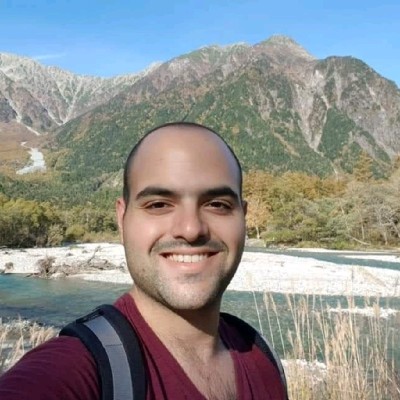
Idan Habler
Staff AI/ML Security Researcher, Intuit
Niv Hoffman
CTO, Air Security

Charles Iheagwara
AI/ML Security Leader, AstraZeneca
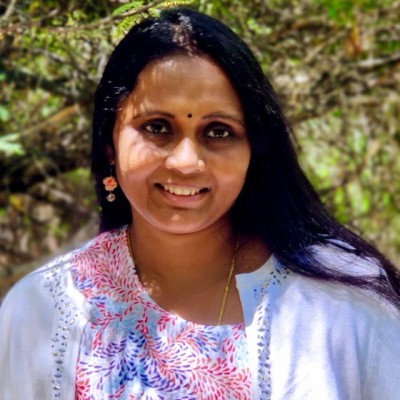
Sushmitha Janapareddy
Director - Security Integrations, American Express
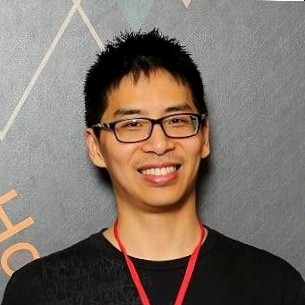
Edward Lee
Vice President, Lead AI Security, JP Morgan

KJ Lian
Senior Manager, Data & AI (Public Sector), AWS
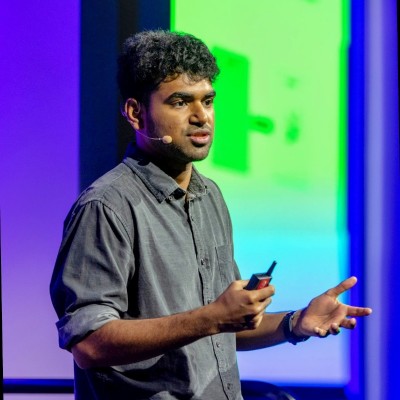
Vineeth Sai Narajala
Application Security, AWS
Iftach Orr
Co-Lead, Agentic Skills Top 10

Kanna Sekar
Cyber Security, Google
Akram Sheriff
Co-Lead, Agentic Skills Top 10
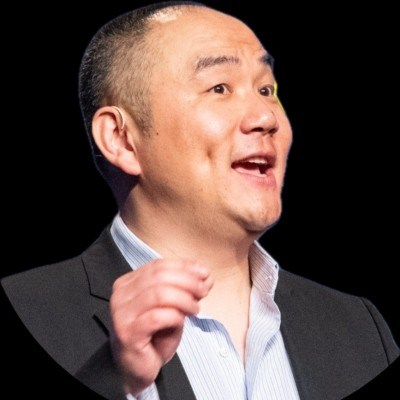
Dennis Xu
Research VP, AI, Gartner
OWASP AIVSS Founding Members
The OWASP AIVSS (Agentic AI Vulnerability Scoring System) project is a sibling OWASP initiative focused on scoring the severity of agentic AI vulnerabilities. Its founding members are recognized here as OWASP founding members in the agentic AI security space; many of them have also contributed directly to the Agentic Skills Top 10 project’s research and review process.

Sunil Agrawal
Chief Information Security Officer, Glean

David Ames
Partner, PwC

Michael Bargury
Founder and CTO, Zenity

Joshua Beck
Application Security Architect, SAS
Manish Bhatt
Security Researcher, Amazon Kuiper Security

Mark Breitenbach
Security Engineer, Dropbox

Anat Bremler-Barr
Professor of Computer Science, Tel Aviv University

Siah Burke
HIPAA Security Officer, Siah.ai

David Campbell
AI Security, Scale AI

Ying-Jung Chen
AI safety researcher, PhD, Georgia Institute of Technology

Anton Chuvakin
Security Solution Strategy, Google

Jason Clinton
CISO, Anthorphic

Adam Dawson
Staff AI Security Researcher, Dreadnode

Leon Derczynski
Principal Research Scientist, NVIDIA

Walker Lee Dimon
AI Security Researcher, MITRE

Marissa Dotter
AI Security Researcher, MITRE

Dan Goldberg
ISO Market Lead, Omnicom

David Haber
CEO, Lakera
Idan Habler
Staff AI/ML Security Researcher, Intuit

Jason Haddix
Founder, Arcanum Information Security

Keith Hoodlet
Director of AI/ML & AppSec, Trail of Bits

Ken Huang
AIVSS Project Lead, OWASP

Chris Hughes
CEO, Aquia
Charles Iheagwara
AI/ML Security Leader, AstraZeneca

Krystal Jackson
Researcher, Center for Long-Term Cybersecurity, UC Berkeley
Sushmitha Janapareddy
Director - Security Integrations, American Express
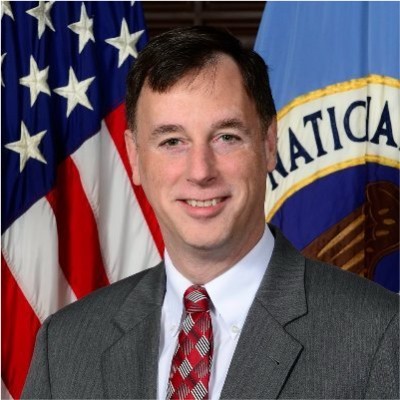
Rob Joyce
Former Cybersecurity Director of NSA, Advisor to PwC, PwC

Diana Kelley
CISO, Noma Security
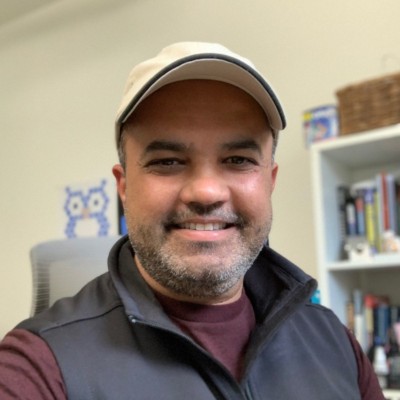
Prashant Kulkarni
Lead AI Security Research Engineer, Google Cloud

Mahesh Lambe
Founder, MIT, Unify Dynamics
Edward Lee
Vice President, Lead AI Security, JP Morgan

Nate Lee
CEO, Cloudsec.ai

Vishwas Manral
CEO, Precize.ai

Daniela Muhaj
Executive-in-Residence for Research & Development, AI 2030
Vineeth Sai Narajala
Application Security, AWS
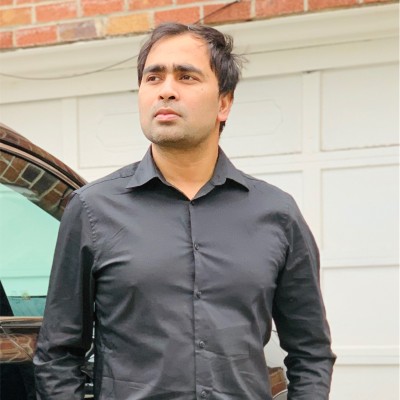
Om Narayan
AI Security Researcher, AWS
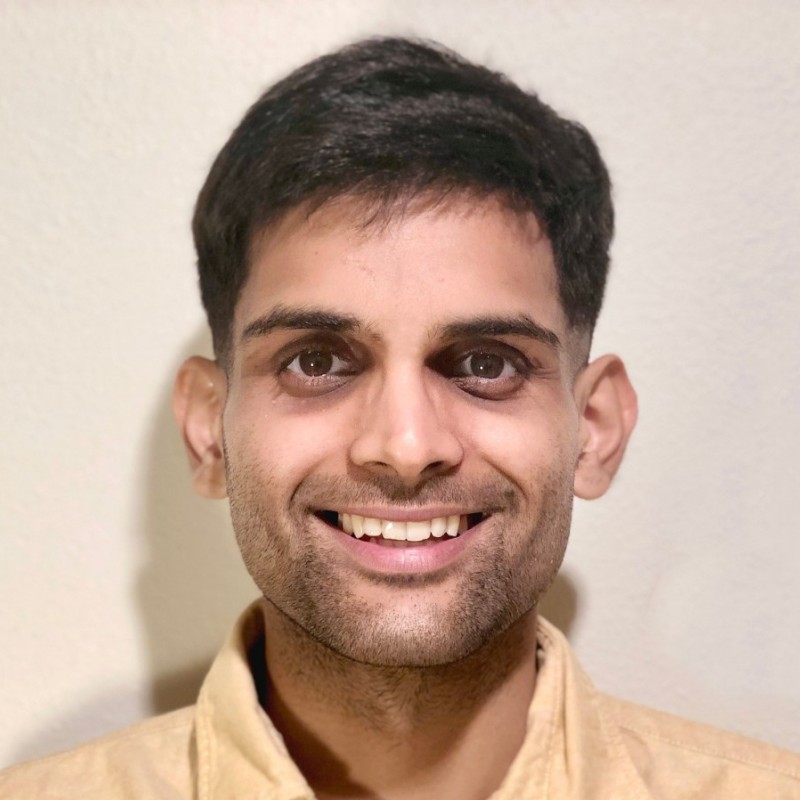
Varun Pant
Engineering and Product Leader, AI applications at the Automated Reasoning Group, AWS

Advait Patel
Senior Site Reliability Engineer (DevSecOps + Cloud + AIOps), Broadcom, IEEE
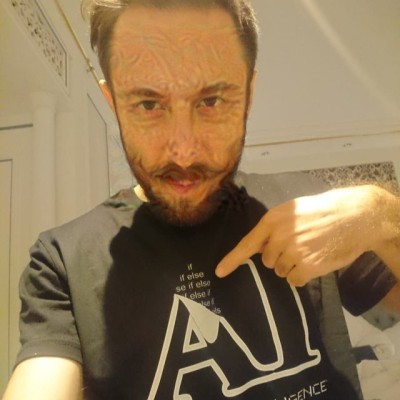
Alex Polyakov
CEO, adversa.ai
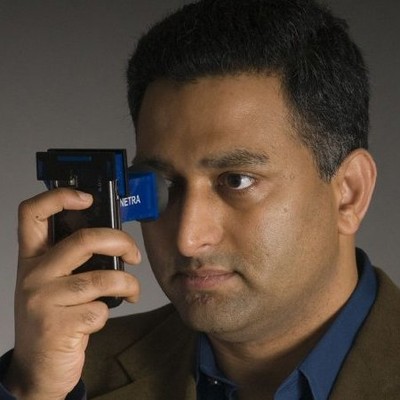
Ramesh Raskar
Professor & Director, MIT Media Lab

Ron F. Del Rosario
VP-Head of AI Security, SAP

Tal Shapira
Co-Founder & CTO, Reco AI
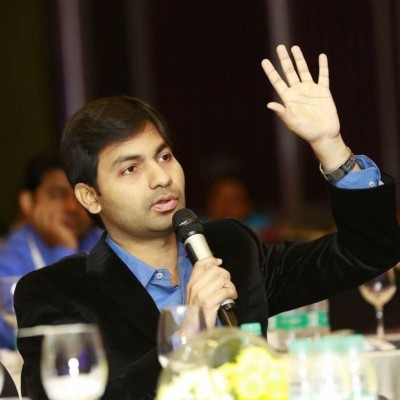
Akram Sheriff
Senior AI/ML Software Engineering Leader, Cisco

Samantha Siau
Security and Compliance, Anthropic
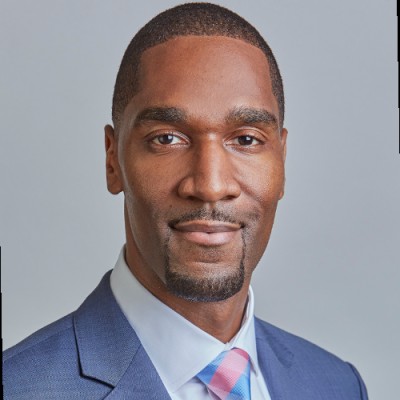
Kevin Simmonds
Partner on AI Offensive Security, PWC
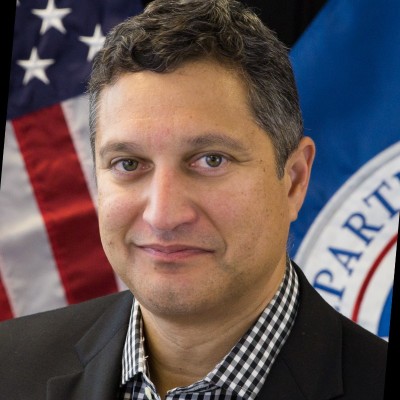
Martin Stanley
NIST AI RMF Lead, Independent
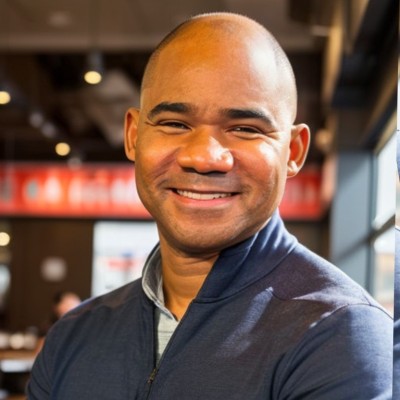
Omar A. Turner
General Manager of Security, Microsoft
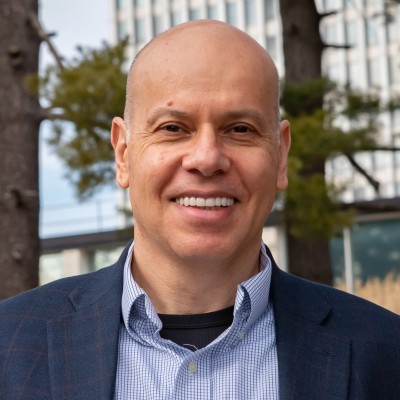
Apostol Vassilev
AI Research Team Supervisor, NIST

Matthew Versaggi
AI Fellow, White House Presidential Innovation Fellow
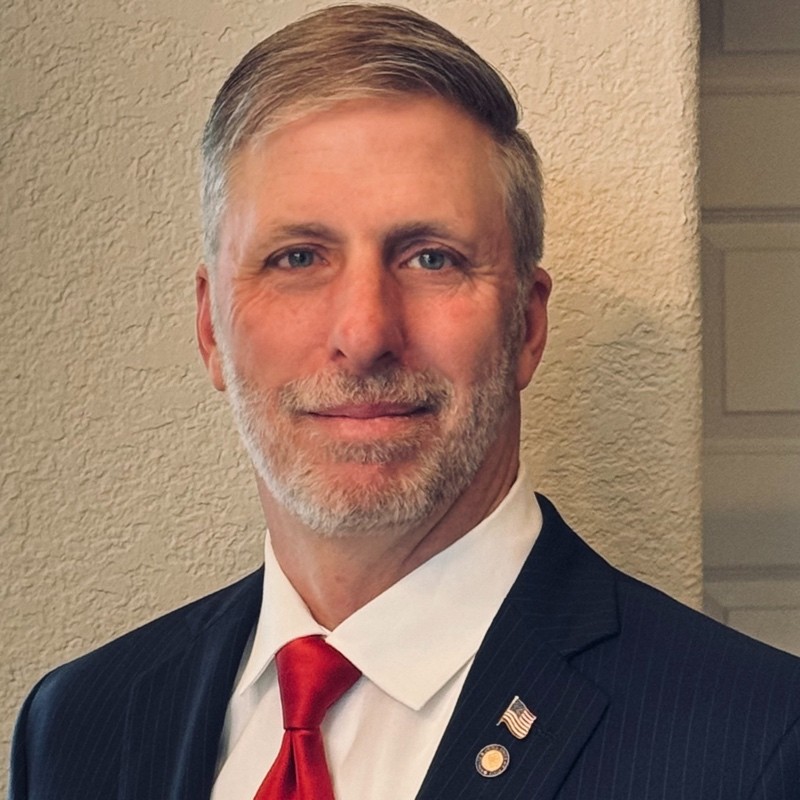
David Webb
Agency Cybersecurity Officer, Cybersecurity and Infrastructure Security Agency
Dennis Xu
Research VP, AI, Gartner

Xiaochen Zhang
Executive Director and Chief Responsible AI Officer, AI 2030
Recognition
We extend our gratitude to all founding members who have contributed to establishing this crucial framework for AI security assessment. Their vision and dedication have been instrumental in shaping the Agentic Skills Top 10 project.
Get Involved
Interested in contributing to the Agentic Skills Top 10 project? We welcome new contributors and leaders. Please see our Contribution Guidelines for more information on how to get involved.